
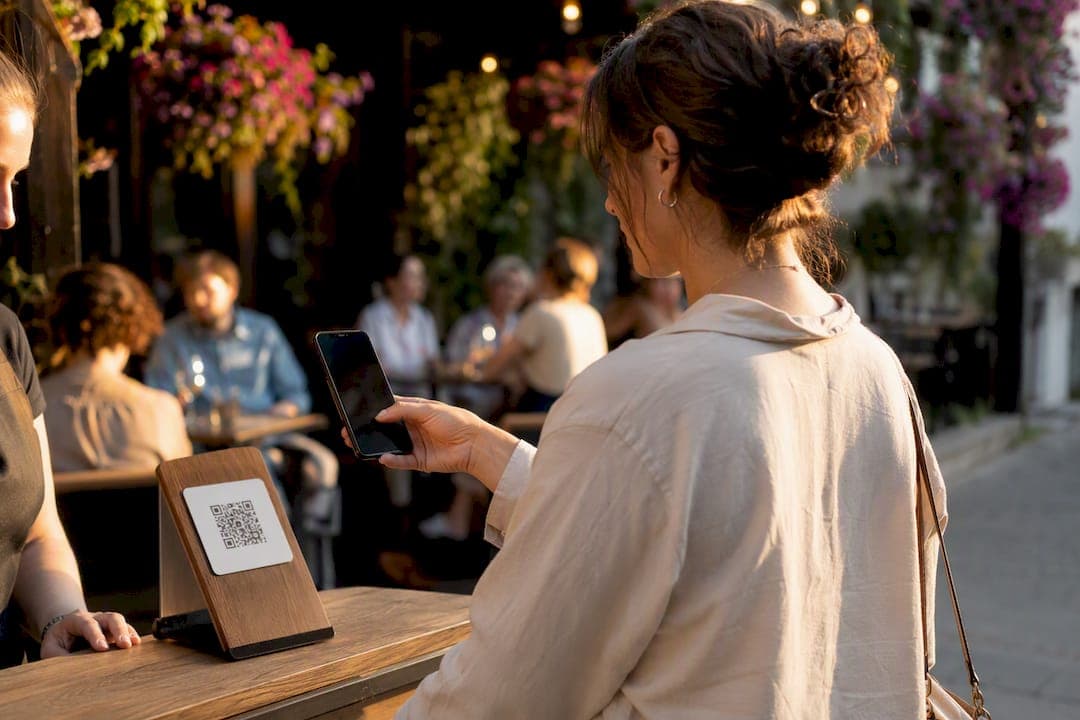
Yes, small businesses can run an effective QR code loyalty program without an app. You skip the download friction entirely, capture customer data at the point of sale, and still deliver the stamp-or-points experience people expect. Setup takes a few hours, not a development sprint, and tools like Increasify handle the wallet integration for shops that want it done for them.
TL;DR:
- Using a dynamic QR code is essential for updating promotions and tracking analytics, unlike static codes that become obsolete over time.
- Proper placement of QR codes at the point of sale or on receipts greatly increases scan and signup rates compared to distant or hidden locations.
- Essential metrics to monitor include scan rate, signup conversion, visit frequency lift, redemption rate, and reactivation success to measure program effectiveness.
- Customers are vulnerable to QR code scams, so businesses must point codes to secure HTTPS links, branded landing pages, and minimize personal data collection.
- Launching a simple, frictionless QR loyalty system with real-time measurement and minimal setup, like Increasify, can significantly enhance customer retention and return rates.
Table of Contents
- How Does a QR Code Loyalty Program Actually Work?
- Step-by-Step: Launch a No-App QR Loyalty Program Fast
- Where Should You Place QR Codes to Maximize Scans?
- Which Metrics Actually Tell You the Program Is Working?
- How Do You Keep Customers Safe From QR Code Scams?
- Why Increasify's Coffee Shop Pilot Actually Moved the Needle
- What the Data Actually Tells You to Prioritize
- Get Wallet-Ready Loyalty Cards Without Building Anything Yourself
- Sources
How Does a QR Code Loyalty Program Actually Work?
Every no-app loyalty program comes down to one of two basic models. The first is a shared single code, printed once at the counter or on receipts, that every customer scans to check in. The second is a per-member code or a saved wallet pass, unique to each customer, that updates automatically as they earn rewards. Coffee shops and quick-service spots tend to favor the wallet pass model because it removes the guesswork. The customer scans once, saves a card to their Apple Wallet or Google Wallet, and every future visit is a tap instead of a scan-and-search.
The flow itself is simple regardless of which model you pick:
- Customer scans the QR code at checkout or on a receipt.
- The scan opens a landing page, sign-up form, or wallet pass installation screen.
- The system captures a name, email, or phone number.
- A stamp or point posts to that customer's record immediately.
The detail that separates a program that works from one that quietly breaks is whether the code is dynamic. A dynamic QR code lets you change where it points, swap in a new promotion, or fix a broken link, all without reprinting a single sign. Static codes are locked to one destination forever, which is fine for a one-off flyer but a liability for something sitting on your counter for two years. Dynamic codes also generate scan analytics that a printed punch card never could, including timestamps and repeat-visit patterns that show you who's actually coming back.
Step-by-Step: Launch a No-App QR Loyalty Program Fast
You don't need a developer or a big budget to get this running by the end of the week. Follow this order and you'll avoid the two mistakes that sink most first attempts: overcomplicating the reward and skipping the test run.
- Pick a reward mechanic customers already understand. Buy 9, get the 10th free beats a points system nobody bothers to calculate.
- Choose your backend. A simple landing page or form (something as basic as a Google Form) works for capturing email or phone at minimal cost, or you can use a dedicated loyalty platform with built-in wallet passes and reporting.
- Generate a dynamic QR code that points to your sign-up page, and brand it with your logo and colors so it looks intentional, not generic.
- Print your materials. Table tents, counter signs, and receipt stickers are the cheapest starting points.
- Brief your staff. A one-line script like "Scan this to start earning free coffee" at checkout does more for adoption than any sign.
- Run a test scan yourself, then set baseline numbers for scan rate and sign-up conversion before you scale placement.
Before you commit to a printed run, check whether your QR tool's free tier expires links or caps scans. Several vendors limit free dynamic codes, which is a problem when that code is laminated onto a countertop sign meant to last two years.
Pro Tip: Test your QR code on both iPhone and Android cameras before printing anything. A code that works on your phone but hangs on a customer's older Android device will kill signups before they start.
Where Should You Place QR Codes to Maximize Scans?
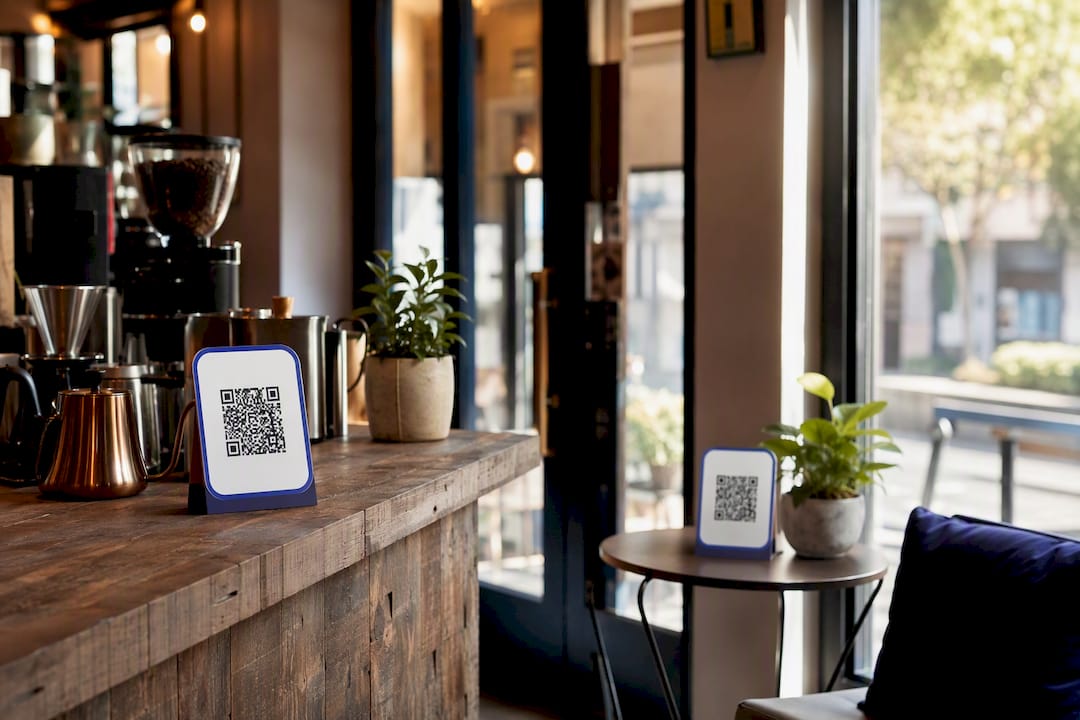
Placement decides more of your outcome than the reward structure does. A generous offer buried on a wall poster nobody looks at will underperform a modest offer sitting under a customer's nose at the register.
Priority spots, in rough order of scan volume:
- POS counter — right where the customer already has their phone out to pay.
- Printed receipts — catches people after the transaction, when they're deciding whether to come back.
- Table tents — works for sit-down service where customers have a minute to spare.
- Packaging and to-go bags — reaches customers after they've left the building.
- E-receipts and confirmation emails — a second chance if they missed the printed prompt.
- Social media bios and posts — extends reach beyond in-store traffic.
Micro-copy matters more than most owners assume. "Scan to earn a free coffee" outperforms vague prompts like "Join our rewards" because it states the payoff instead of the action. Add a short arrow or a "10 seconds" note near the code, and keep contrast high. A gray code on a gray background is a code nobody scans. For a quick lift in the first two weeks, layer on a limited-time bonus, like double stamps for early sign-ups, and have staff mention it verbally at checkout.
Which Metrics Actually Tell You the Program Is Working?
Five numbers matter more than the rest combined: scan rate, scan-to-signup conversion, visit frequency lift, redemption rate, and how many dormant members you reactivate with a nudge message.
- Scan rate tells you if placement and CTA copy are working.
- Scan-to-signup conversion tells you if your form or landing page is too much friction.
- Visit frequency lift is the number that actually justifies the program's existence.
- Redemption rate shows whether the reward is compelling enough to chase.
- Dormant reactivation measures how well your messaging brings back lapsed customers.
Most dynamic QR platforms track total scans, peak scanning times, and repeat-scan frequency out of the box, which gives you enough to segment customers without building anything custom. Cross-reference that scan data against your POS sales and email open rates, and you can attribute lift to the program rather than guessing. To run a quick test, move the code to a new spot for a week, swap the CTA wording, or drop the reward threshold from ten stamps to eight and watch what changes.
How Do You Keep Customers Safe From QR Code Scams?
QR loyalty programs carry a real security wrinkle: customers can't tell a legitimate code from a malicious one just by looking at it.
Scammers increasingly hide harmful links behind QR codes, and a scanned code can send someone to a fake site designed to steal personal information.
That's the core warning in the FTC's consumer alert on QR scams, and it's a real risk for any business putting a printed code in public. Protect your customers with a few basic habits:
- Point every code at an HTTPS destination, never an unencrypted link.
- Use a branded landing page so customers recognize where they've landed.
- Avoid redirect chains that bounce through third-party trackers before reaching your form.
- Collect only what you need (name, email, or phone), never more.
- Post a one-line privacy note on the sign-up page and give people an easy opt-out.
Why Increasify's Coffee Shop Pilot Actually Moved the Needle
The gap between a QR loyalty program that looks good on paper and one that changes customer behavior usually comes down to friction at the exact moment of signup. Increasify built its wallet integration around that single problem: customers scan once, save a branded pass to Apple Wallet or Google Wallet, and never touch an app store again.
The clearest proof point is Energy Bar, an independent coffee shop that rolled out Increasify's QR-first signup flow and saw a 50% customer return rate within 30 days. That number matters because return rate, not signups, is the metric that pays the bills. The lesson other SMBs can copy isn't the specific tech. It's the sequencing: remove every unnecessary step between "customer sees the code" and "customer is enrolled," then let automatic reminder messaging do the work of bringing people back.
What the Data Actually Tells You to Prioritize
Most advice on loyalty programs obsesses over the reward structure: points versus stamps, tiered rewards versus flat discounts. That's the wrong place to spend your energy first. The businesses that see real lift fix friction before they fix incentives. A customer who has to download an app, create a password, and remember a punch card will churn out of a mediocre program faster than a customer with zero friction will churn out of a genuinely boring one.
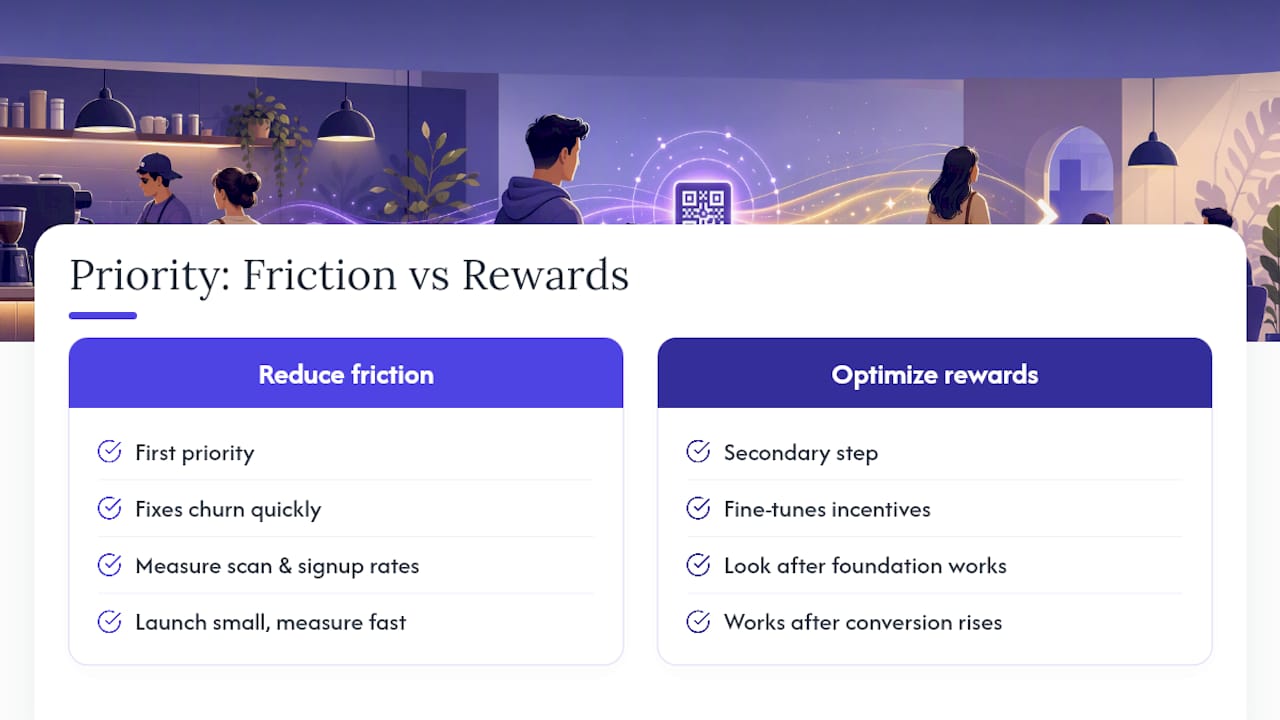
The conventional wisdom also underrates measurement. Owners set up a QR code, print the signs, and never look at scan data again. That's the same as running a Facebook ad and never checking the click-through rate. Track scan rate and signup conversion from week one, because those two numbers tell you within days whether your placement or your copy is the actual bottleneck.
If you take one thing from this guide, take this: launch small, measure fast, and fix the friction before you touch the reward. Everything else is optimization on top of a foundation that either works or doesn't.
— Vitor
Get Wallet-Ready Loyalty Cards Without Building Anything Yourself
Increasify is the direct route to everything covered above, minus the DIY setup. If you run an independent coffee shop or a local business and want customers signing up in seconds instead of downloading an app, this is built specifically for that.
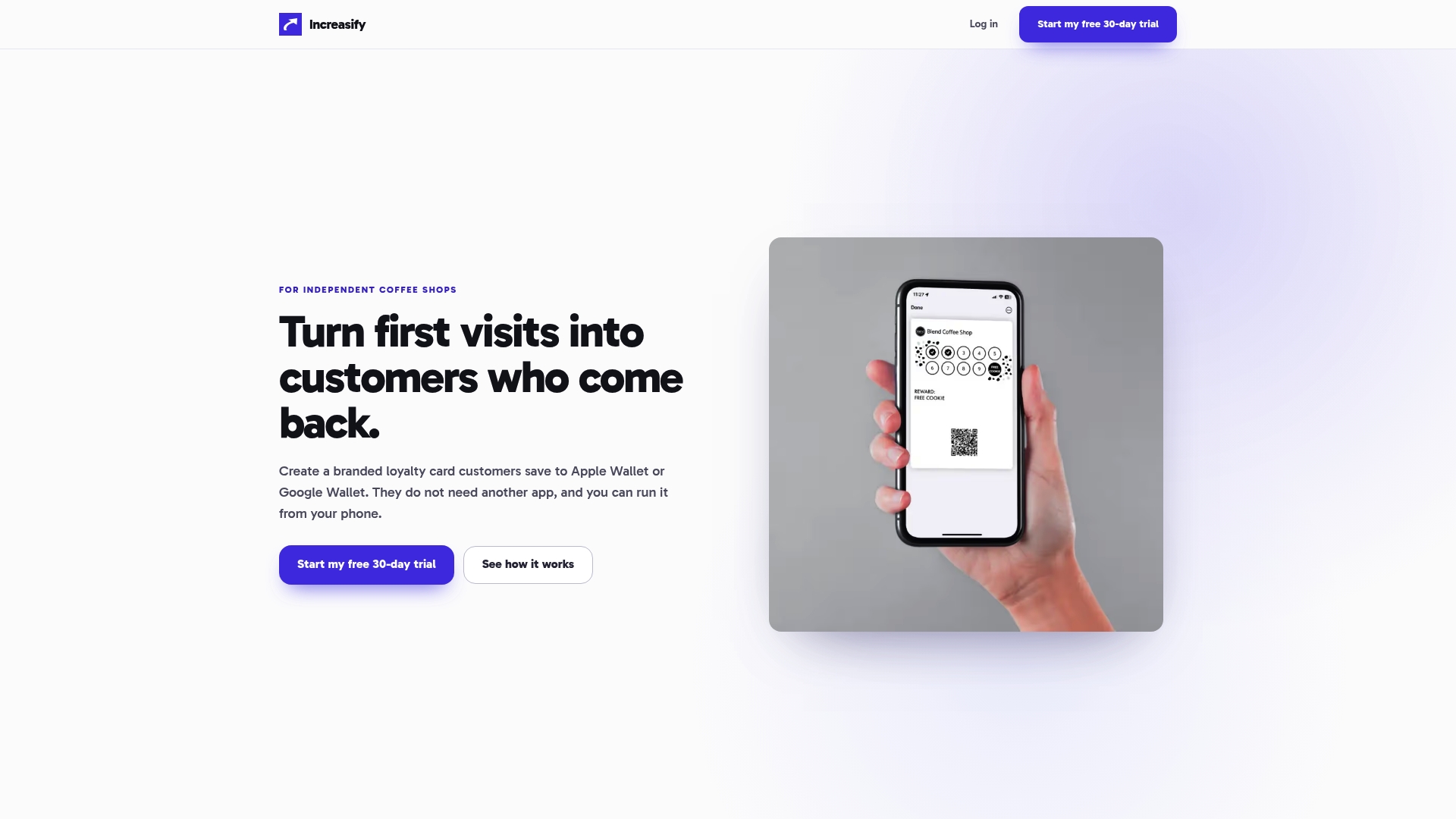
You get branded wallet passes for Apple Wallet and Google Wallet, a QR-first sign-up flow that takes customers from scan to enrolled in under ten seconds, automatic return-visit messaging, Google review requests, and reporting that shows exactly which placements and offers are driving repeat traffic. No app for your customers to download, no punch cards for them to lose.
Start with the free 30-day trial and pilot it at one location. Watch your scan and enrollment numbers for the first two weeks, then decide if it's worth rolling out everywhere.